About this collection
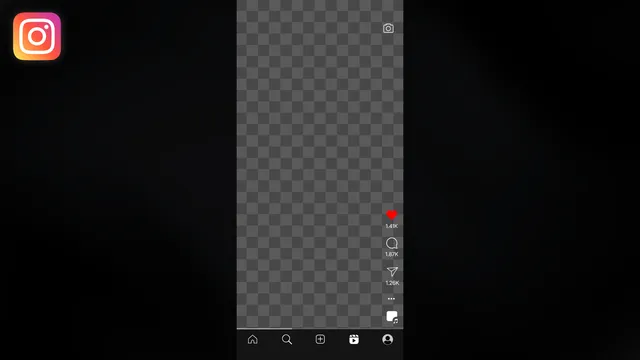
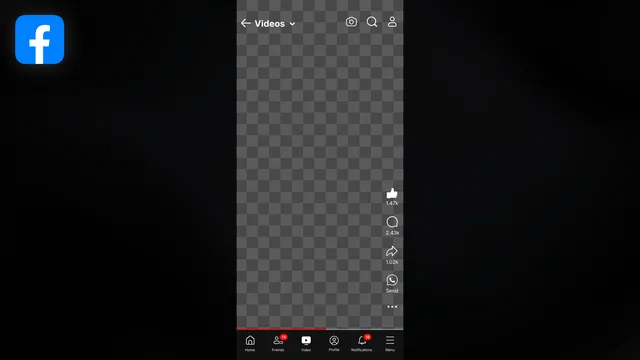
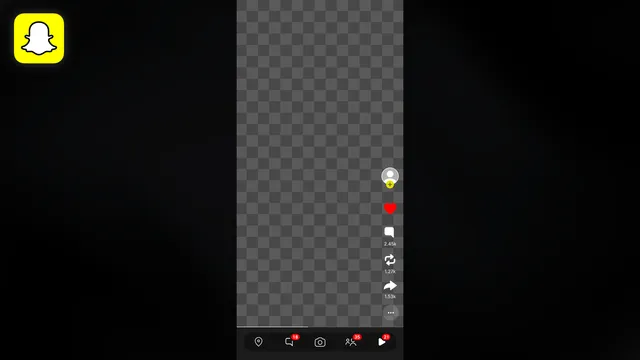
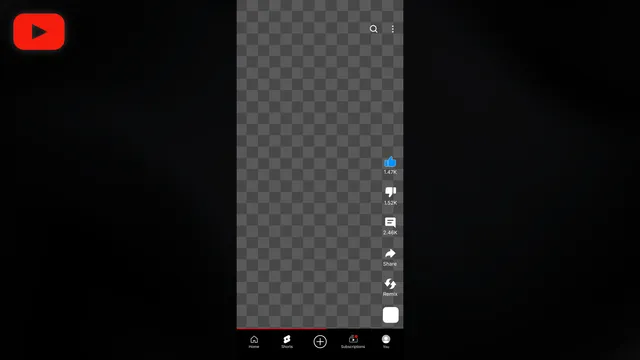
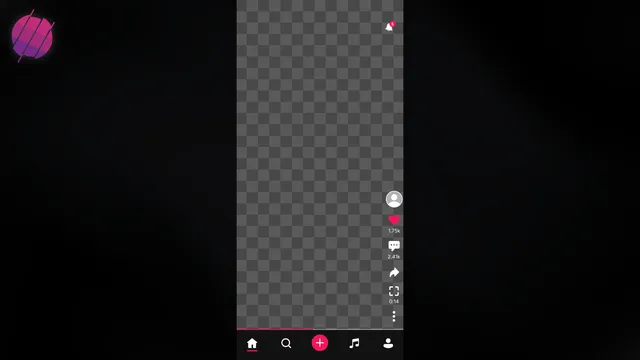
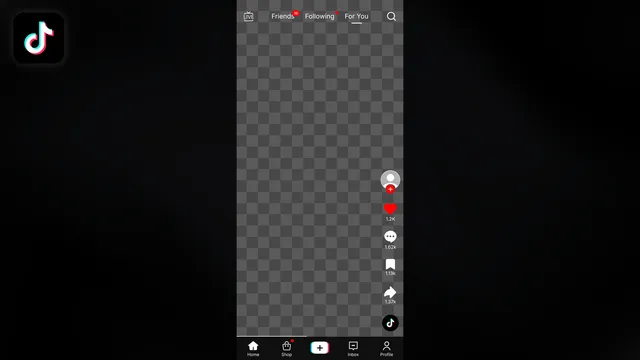
A Reels overlay is the app chrome around an open center, so your footage reads as a YouTube Short, an Instagram Reel, a TikTok, a Facebook Reel, a Snapchat Spotlight, or a Triller clip. These are screen frames, not safe zone guides and not livestream players. Every look ships as an After Effects, Premiere Pro, or DaVinci Resolve project, or as a drag and drop overlay for any editor that reads transparent clips.
How to use a Reels screen overlay
- Pick the app the shot should look like. Choose YouTube Shorts, Instagram Reels, TikTok, Facebook Reels, Snapchat Spotlight, or Triller so the side buttons and the bottom nav match that app.
- Download the file for your editor. After Effects, Premiere Pro, and DaVinci Resolve projects keep the frame editable. The drag and drop overlay is a transparent clip for any editor that reads alpha.
- Put your footage in the open center. The middle of the frame is empty on purpose. Place your clip there so the like column and the bottom nav sit around it.