About this collection
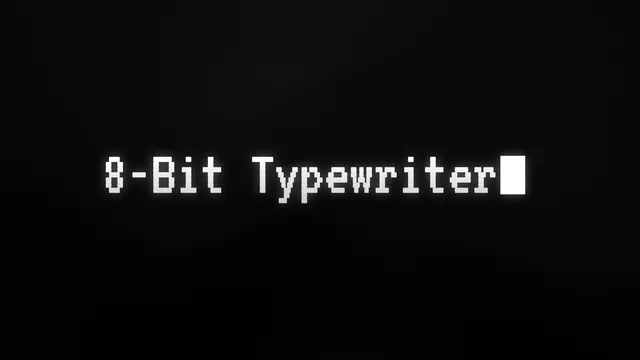
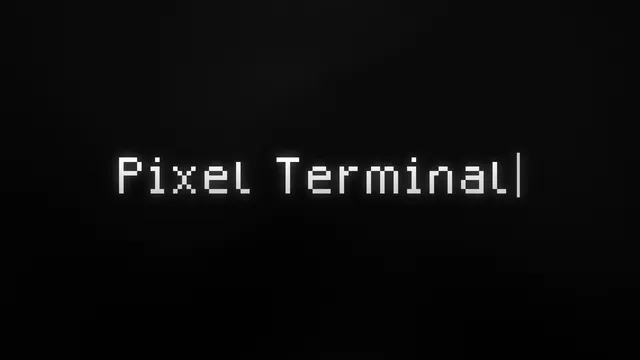
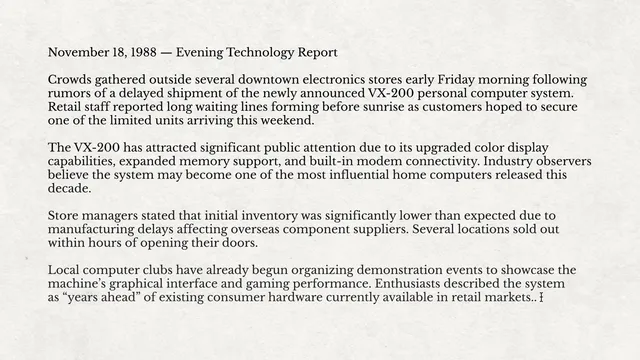
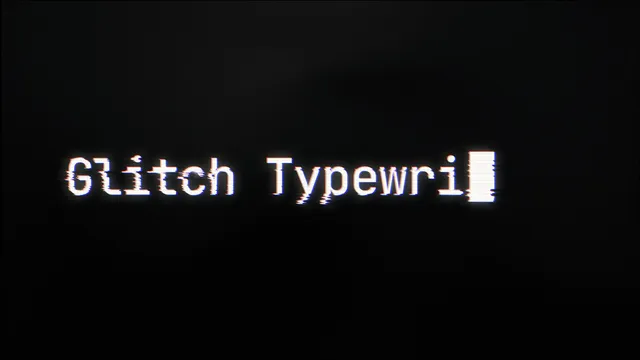
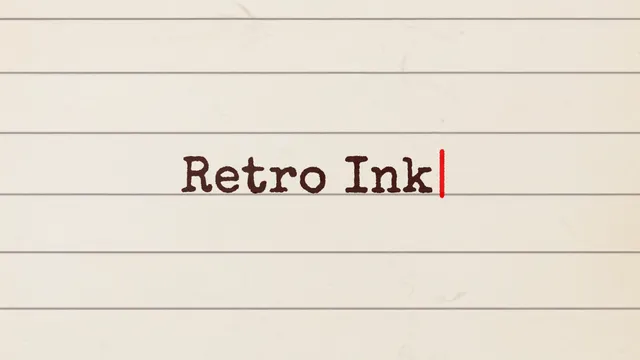
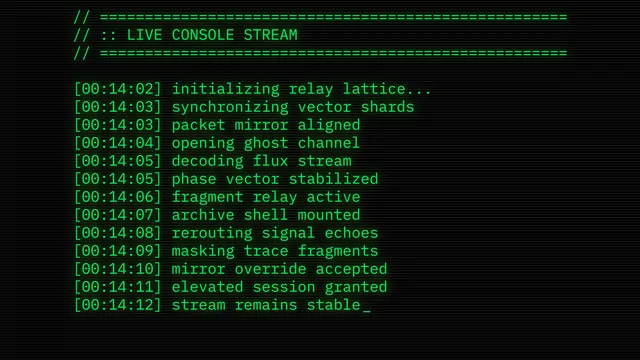
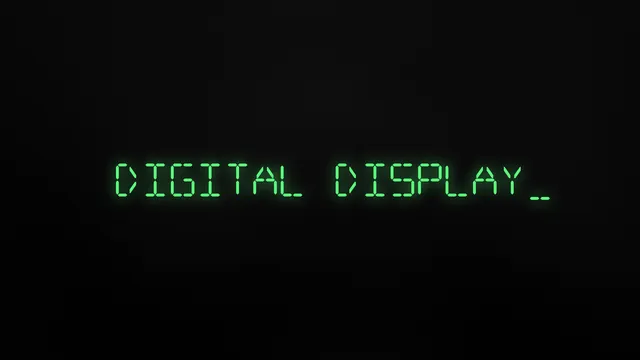
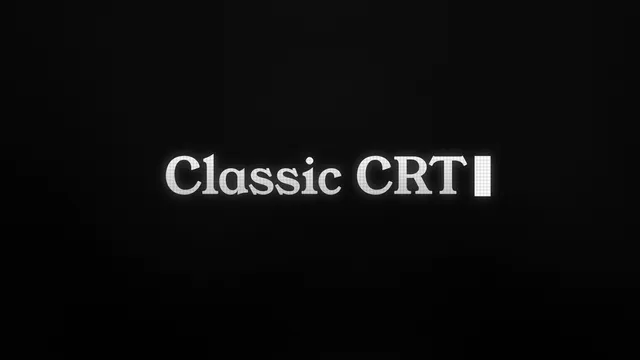
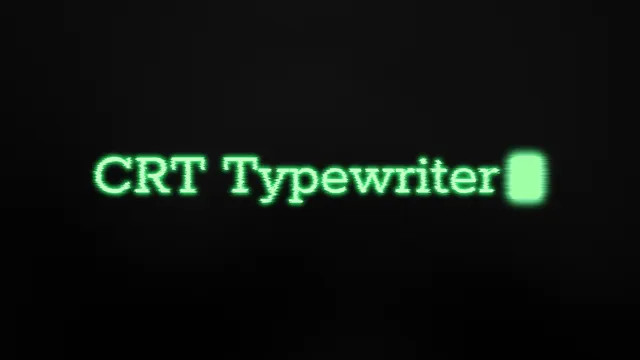
A typewriter animation reveals your text one character at a time, so a title lands with the rhythm of someone actually typing it. This collection covers the looks editors reach for most: CRT titles with soft scanlines, pixel and 8 bit terminals, glitch typing, hacker console logs, ink on lined paper, and a retro code editor. Every style comes as an After Effects, Premiere Pro, or DaVinci Resolve project, or as a drag and drop overlay for any editor that reads transparent clips.
How to use a typewriter text animation
- Pick the era you want. Scan the previews first. CRT and pixel terminals suit gaming and tech edits, ink on paper suits documentary and journal scenes, and a console log suits anything hacker themed.
- Download the file for your editor. Project files keep the typed line editable. The drag and drop version is a flattened transparent clip, quicker to place but fixed as it is.
- Type your line and place it on the timeline. Replace the placeholder copy in the project file, keep or restyle the cursor, then time the reveal to finish just before your voiceover moves on.