About this collection
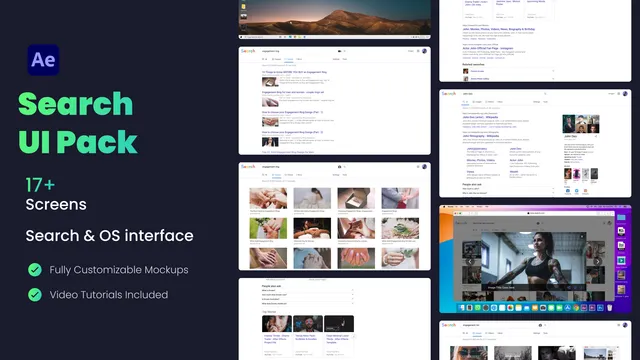
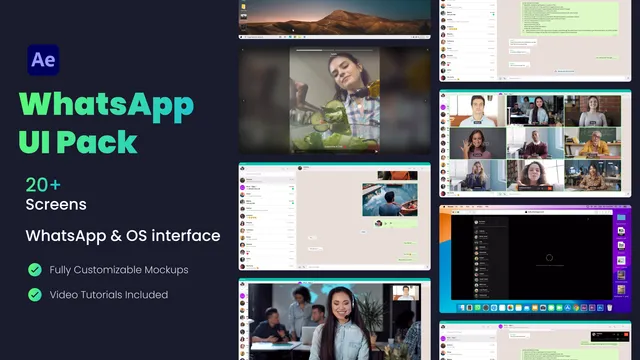
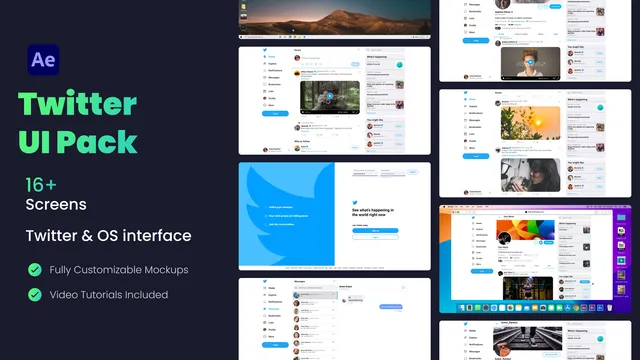
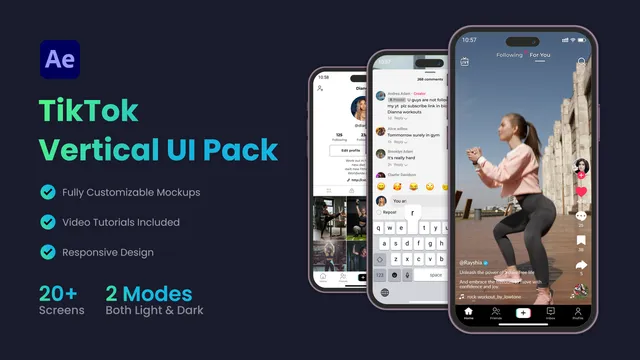
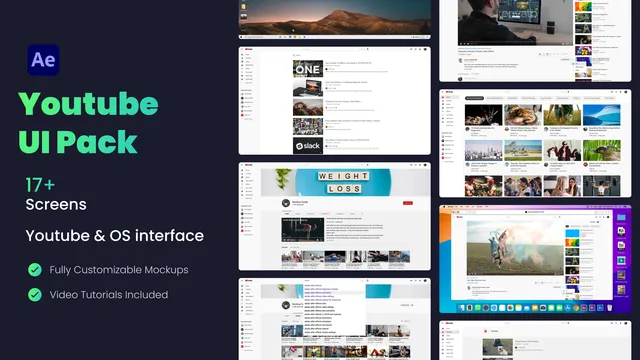
A UI pack is the interface on screen, not a phone shell you drop a screenshot into. This set opens with a search engine pack: a homepage that types a query, an all results page, an image grid, an image viewer, a video results page, and Mac and Windows desktops around those screens. Each look is an After Effects, Premiere Pro, or DaVinci Resolve project, or a drag and drop overlay for any editor that reads a transparent clip.
How to use a UI pack
- Pick the screen. Start on the search homepage when you need a query typed in. Use the image grid or the video results page when the demo is about what came back. Use the desktop when the shot needs a Mac or Windows frame around the page.
- Download the file for your editor. Project files keep the text and images editable. The drag and drop version is a flattened transparent clip for any editor that reads alpha.
- Replace the query and match the cut. Retype the search and swap the result images, then time the suggestion list and the page scroll to the line you are saying.