How to Make a Rotate Your Phone Animation
By Gokul Ramesh3 min read
A rotate your phone animation is a short prompt at the start of a landscape video. It tells people watching on a phone to turn their screen sideways before the video begins.
You don't need to animate one from scratch. Drop a ready-made one on your timeline, add a whoosh, and export.
1. Drop it on your timeline
These drag and drop versions are transparent .mov files, so there is nothing to key out.
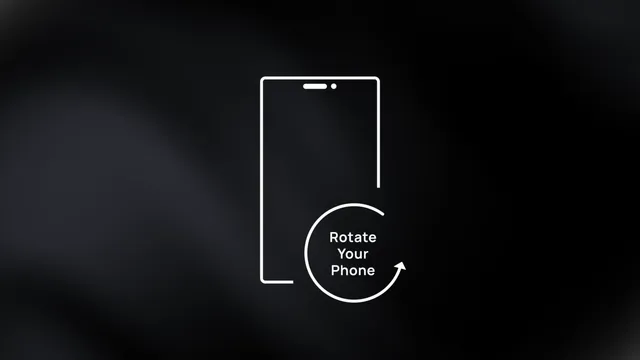
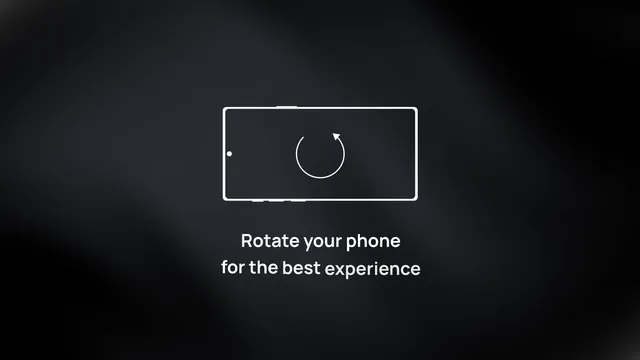
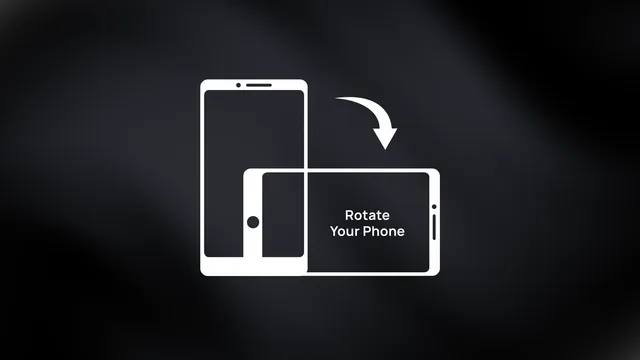
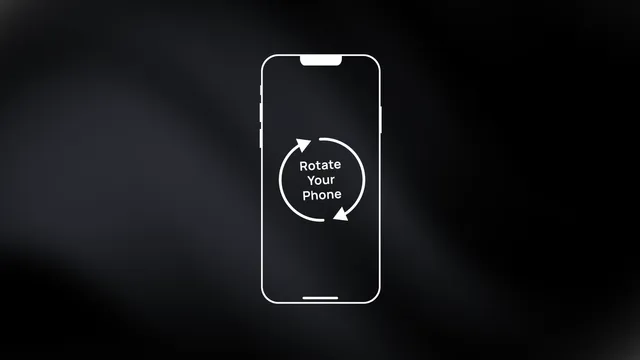
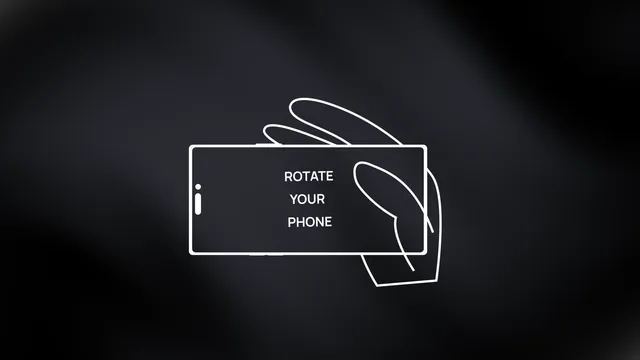
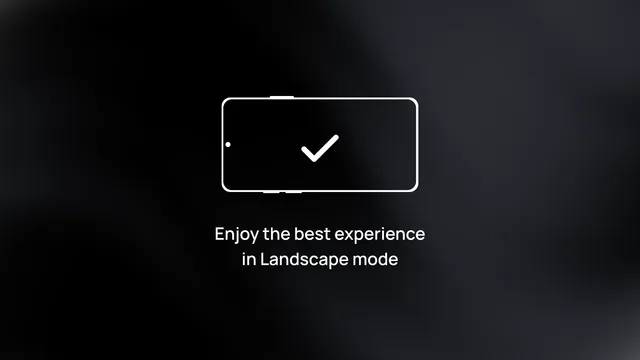
- Download one and import it into your editor.
- Put it on the track above your footage, at the very start.
- Keep it 2 or 3 seconds, then export.
In DaVinci Resolve, if the background turns black over your footage, right-click the clip in the Media Pool, open Clip Attributes and set Alpha Mode to Premultiplied.
2. Want your own text or color? Use an After Effects template
Change the wording, the color or the language, render it, and drop it in the same way. The white Rotate Your Phone template, marked Free, costs nothing with an account.


3. Add a whoosh
A short whoosh as the phone turns makes the prompt hard to miss. Keep it a little quieter than your music.
Find more in whooshes and interface clicks.
Make it yourself
Draw a phone outline (a rounded rectangle) and put the words "Rotate your phone" on a separate track. Then:
- Set a rotation keyframe at 0°.
- About 15 frames later, set it to 90°.
- Ease both keyframes so the turn speeds up and settles.
Where to find rotation:
- Premiere Pro: Effect Controls > Motion > Rotation. Right-click a keyframe and use Temporal Interpolation for Ease In and Ease Out.
- DaVinci Resolve: Inspector > Transform > Rotation Angle.
- CapCut: Basic > Rotate, then click the keyframe diamond.
- After Effects: press R for Rotation, then F9 for Easy Ease.
Questions people ask
Where can I get a rotate your phone animation for free?
The white outline Rotate Your Phone template on MotionVault is free with an account. Free stock clips exist too, but many have a black or green background that you have to remove with a blend mode or chroma key.
How do I add a rotate your phone animation in CapCut?
On desktop, place the clip on a track above your video. On mobile, tap Overlay, then Add overlay. If the clip has a black background, set Blend to Screen. You can also build one with two Rotate keyframes.
Do I need a rotate your phone animation for vertical videos?
No. Shorts, Reels and TikToks filmed in 9:16 already fill the phone screen. Use it only when your video is landscape.